Turn a Maps Search into a Lead List
A free Chrome extension. Type the businesses and the city you want, and get each one with its phone, website, rating and the emails from its own website, ready for Excel or CSV.
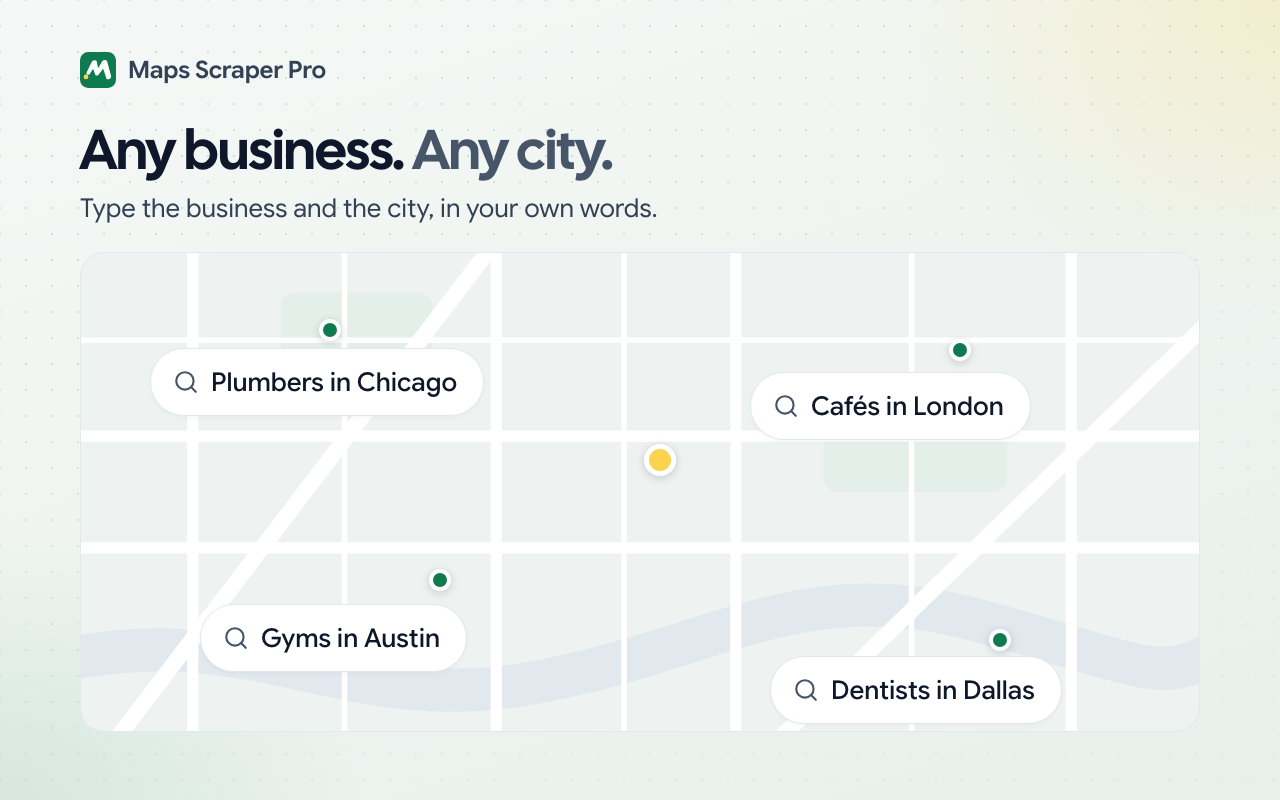
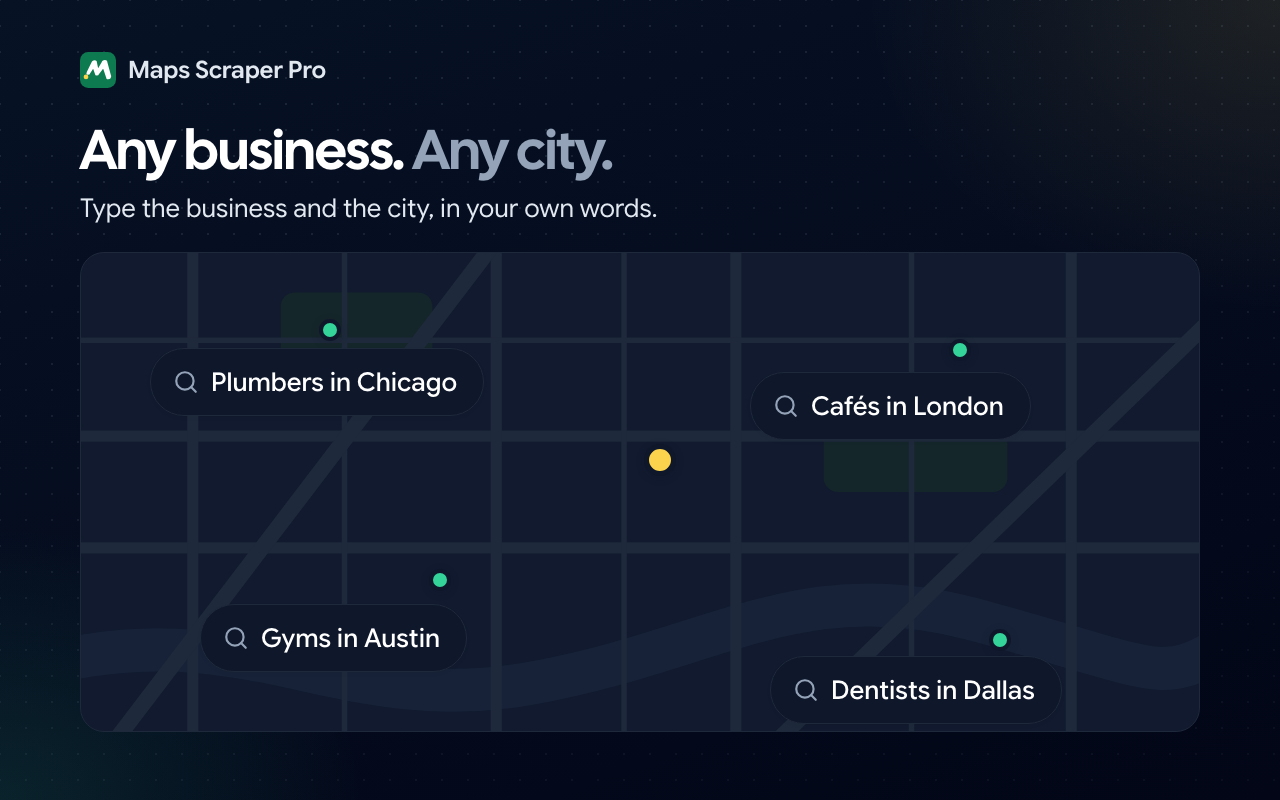
Ask for any kind of business, in any city:
- Plumbers in Chicago
- Cafés in London
- Gyms in Austin
- Dentists in Dallas
 Maps Scraper ProSample data
Find dentists in Dallas

Collecting businesses… 0 of 50
What you get
Every business in the search, one row each
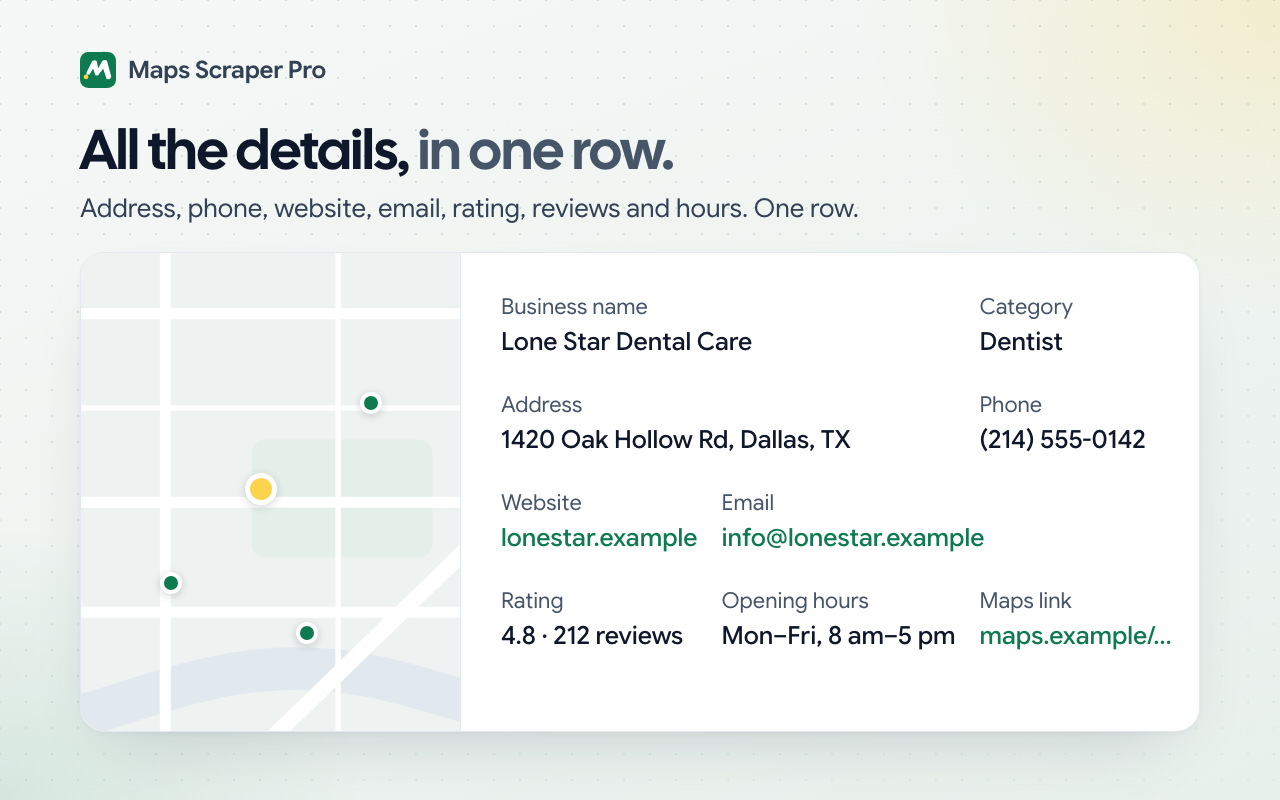
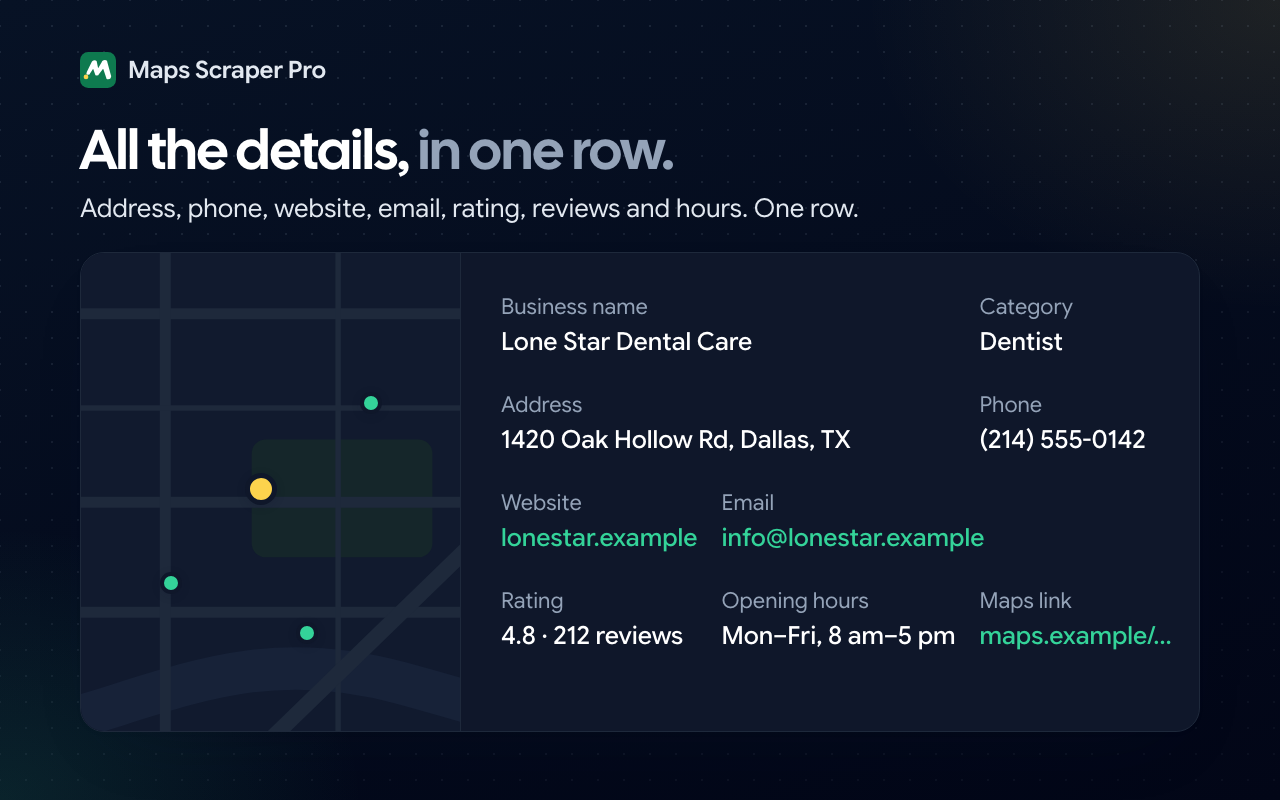
Each row has what Maps shows for the business. With contact details on, which is the default, it also has the emails, phones and social links from the business's own website, collected in the same run.
From Maps
What the business's Maps listing shows.
- Business name and categoryThe name and the kind of business, as Maps lists them.
- AddressThe full street address.
- PhoneThe number on the business's Maps listing.
- WebsiteThe business's own site, which is where the emails come from.
- Rating and review countThe star rating and how many reviews it's based on, as numbers you can sort.
- Opening hoursThe hours the listing shows.
- Maps linkA link back to the business on Maps.
From the business's website
While it collects, the extension reads each business's website in the background and adds what it finds to the same row.
- EmailsThe addresses on the business's home page and its contact page.
- Website phonesThe numbers the website lists, which can include the one from Maps.
- FaxesFax numbers, where a website still lists them.
- Social linksOne column for each network the website links to, such as Facebook, Instagram and LinkedIn.
| Business Name | Rating | Review Count | Phone | Website | Emails |
|---|---|---|---|---|---|
| Bright Arbor Smiles | 4.9 | 154 | (214) 555-0119 | arbor.example | [email protected] |
| Lone Star Dental Care | 4.8 | 212 | (214) 555-0142 | lonestar.example | [email protected] |
| Prairie Light Dental | 4.7 | 96 | (214) 555-0187 | prairie.example | [email protected] |
| Cedar Loop Dental | 4.6 | 61 | (214) 555-0163 | cedarloop.example | empty |
| Maple Row Dentistry | 4.5 | 38 | (214) 555-0128 | maplerow.example | [email protected] |
Not every business lists an email
Maps doesn't show emails, so they can only come from a business's own website. When a website has none, or a business has no website, its row still has the phone and everything else Maps shows.
Who it's for
For anyone who needs a list of local businesses
Maps Scraper Pro does one job: it turns the businesses Maps lists into a spreadsheet you can contact them from.
You build lead lists for clients
Collect a niche city by city, with each business's email where its website lists one. Combine the cities into one table and hand over an Excel or CSV file with named columns.
You're looking for customers for your own business
Search your own area for the kind of business you sell to, like restaurants, gyms or dental offices. You get a list you can call or email, without copying anything by hand.
You've never collected data from a website before
There's nothing to set up and no account to create. Install the extension, type what you want in a sentence, and open the file in your spreadsheet app.
How it works
Three steps from a search to a spreadsheet
The extension runs in your own Chrome, in the side panel next to the page, so you can watch the list fill in.
Step 1
Install, then ask or search
Add the extension to Chrome. Type a request like “find plumbers in Austin” in its chat, or search Maps yourself.
Step 2
It collects every business
It goes through the search's businesses one by one and reads each one's website for emails, phones and social links as it goes.
Step 3
Download your list
Check the table on the results page, then download it as Excel, CSV or JSON, or send it to Sheets.
Ways to collect
Ask, search, or run many searches at once
Every way ends in the same table, saved in History until you delete it.
Ask in chat
Type what you want, like “find plumbers in Austin”. The first time, chat asks how many businesses you want, up to 1,000, and it adds contact details unless you say otherwise. If the search lists fewer than you asked for, it searches the area around the place too.
Collect from a Maps search
Search Maps yourself, then open the extension's side panel. It finds the list of businesses on the page and collects until the list ends.
Run many searches with Bulk
Paste the links of several Maps searches, such as plumbers in 10 cities. Bulk collects them one after another in a single run.
Find every list in History
Each list is saved in your browser. Open it on the results page to review, sort and filter it, then download it as Excel, CSV or JSON, or send it to Sheets.
FAQ
Questions, answered
Is Maps Scraper Pro free?
Yes. Every feature is included, with no plan to choose and no credits to count.
Is there a trial or a paid plan?
No. There's no trial that runs out, no paid plan and no licence key. The extension you install is the whole product, and it stays free.
Do I need an account?
No. The extension works as soon as you install it, and the lists you collect are saved in your browser. The first time you use chat, it connects to our servers on its own.
Do I need an API key or credits?
No. The extension reads the Maps page you can see in your own browser, so there's no API key to get and no credits to run out of. Chat is free too, with a daily message limit.
Will every business have an email?
No. Maps doesn't show emails, so the extension reads each business's own website and adds the emails it finds there. Businesses that don't list an email on their website still come back with their phone, website and everything else Maps shows.
How many businesses can I collect from one search?
In chat, up to 1,000: it asks how many you want the first time, and searches the area around the place when one search isn't enough. From the side panel, it collects until the search's list ends.
Can I collect several cities or business types at once?
Yes, with Bulk. Paste the links of several Maps searches, and it collects each one in the same run.
Which files can I download?
Excel (.xlsx), CSV and JSON, or a new sheet in Sheets. Excel and CSV files open in Microsoft Excel, Numbers, LibreOffice and other spreadsheet apps; Sheets makes the sheet in the account Chrome is signed in with and opens it.
Does it work on a phone?
No. It's a Chrome extension for a computer: a Windows PC, a Mac, Linux or a Chromebook. The Chrome app on phones and tablets doesn't install extensions, so collect the list on a computer and open the file wherever you like.
Where is my data stored?
The lists you collect are saved in your browser until you delete them. Chat messages are processed on our servers to work out what to collect, and the extension sends usage analytics, such as how many businesses a search found, but never the businesses themselves.
Will Maps block me?
The extension works in your own browser, opening businesses at an uneven pace like a person would, and it slows down when Maps stops answering. It doesn't get past a verification page: if Maps shows one, complete it in the tab and run the search again.
Is it legal to collect business details from Maps?
Collecting publicly listed business details is generally allowed, but it depends on the site's terms, how you use the data and the laws where you are. Check the rules on contacting businesses by email in your country before you send anything. This isn't legal advice.
Who makes Maps Scraper Pro?
Thinksolv Technologies, the team that also makes Web Scraper Pro. If something doesn't work, write to the founder from the Contact founder page: the founder reads every request.
Turn your next Maps search into a lead list.
Install it, type the businesses and the city you want, and download the list.
Coming soon to the Chrome Web Store